

Black Friday and Cyber Monday bring more visitors to your product pages than any other week of the year. Most of them arrive from an ad, an email or a search, look at the photos, skim the description and decide in seconds. A vague or copied description is often the reason they leave.
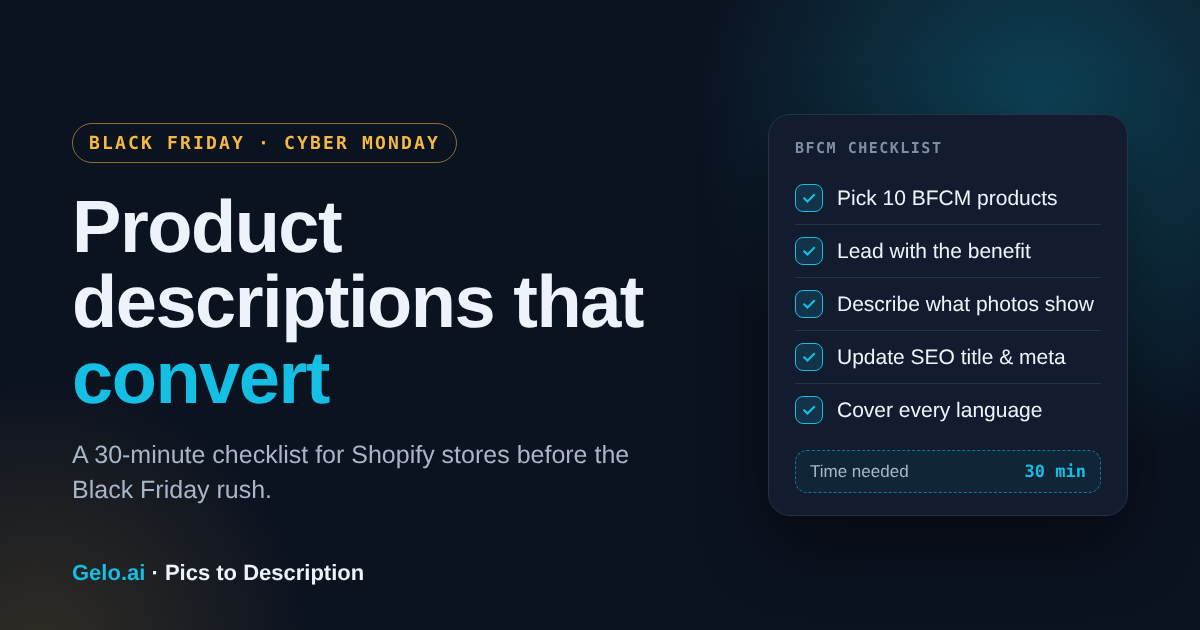
You don’t need to rewrite your whole catalog. This checklist takes about 30 minutes and focuses on the products that will actually sell this week.
1. Pick your 10 BFCM products
Start with the products you’re discounting, advertising or featuring in emails. Add your bestsellers and anything with lots of traffic but few sales. Those ten pages matter more than the rest of your store combined this week.
2. Lead with the benefit, not the spec
The first sentence should answer “why should I buy this now?” Put the main benefit first and keep materials, sizes and care instructions for a short list further down. Shoppers on mobile rarely scroll past the first few lines.
3. Describe what the photos show
Colour, texture, fit, size compared to everyday objects, details on labels: write down what a shopper would notice if they held the product. Descriptions that match the photos build trust and reduce returns.
4. Make it easy to scan
- One short opening paragraph.
- 3 to 5 bullet points with the key facts.
- A clear line on shipping, sizing or gifting if it matters for the holidays.
5. Update the SEO title and meta description
Search results and shared links show your SEO title and meta description, not your product description. Keep the title under about 60 characters with the product name first, and write a meta description that gives a reason to click.
6. Cover every language you sell in
If you sell in more than one market, a page that switches to English halfway through loses buyers. Make sure each of your store’s languages has its own complete description.
7. Review before you publish
Check prices, sizes and claims, then read each description once on your phone. Fix anything that sounds generic or doesn’t match your brand voice.
Do it in bulk with Pics to Description
Pics to Description writes product descriptions, SEO titles and meta descriptions from your product photos, in your store’s language. Select your BFCM products or a whole collection, generate in bulk, review and publish.
BFCM offer: enter code BFCM100 in the app to double your monthly generations (Free 10 → 20, Basic 200 → 400, Premium 1,000 → 2,000, Ultimate 5,000 → 10,000). The code works until December 6, 2026, and the extra credits stay valid for a month after you redeem them.
Looking for more Black Friday help? See all BFCM deals from Gelo.ai and our partners.

Leave a Reply