
★★★★★
“”SKIP” features is absolutely amazing. You will not waste your credits on duplicate processed product. Working great specially the bulk process!”
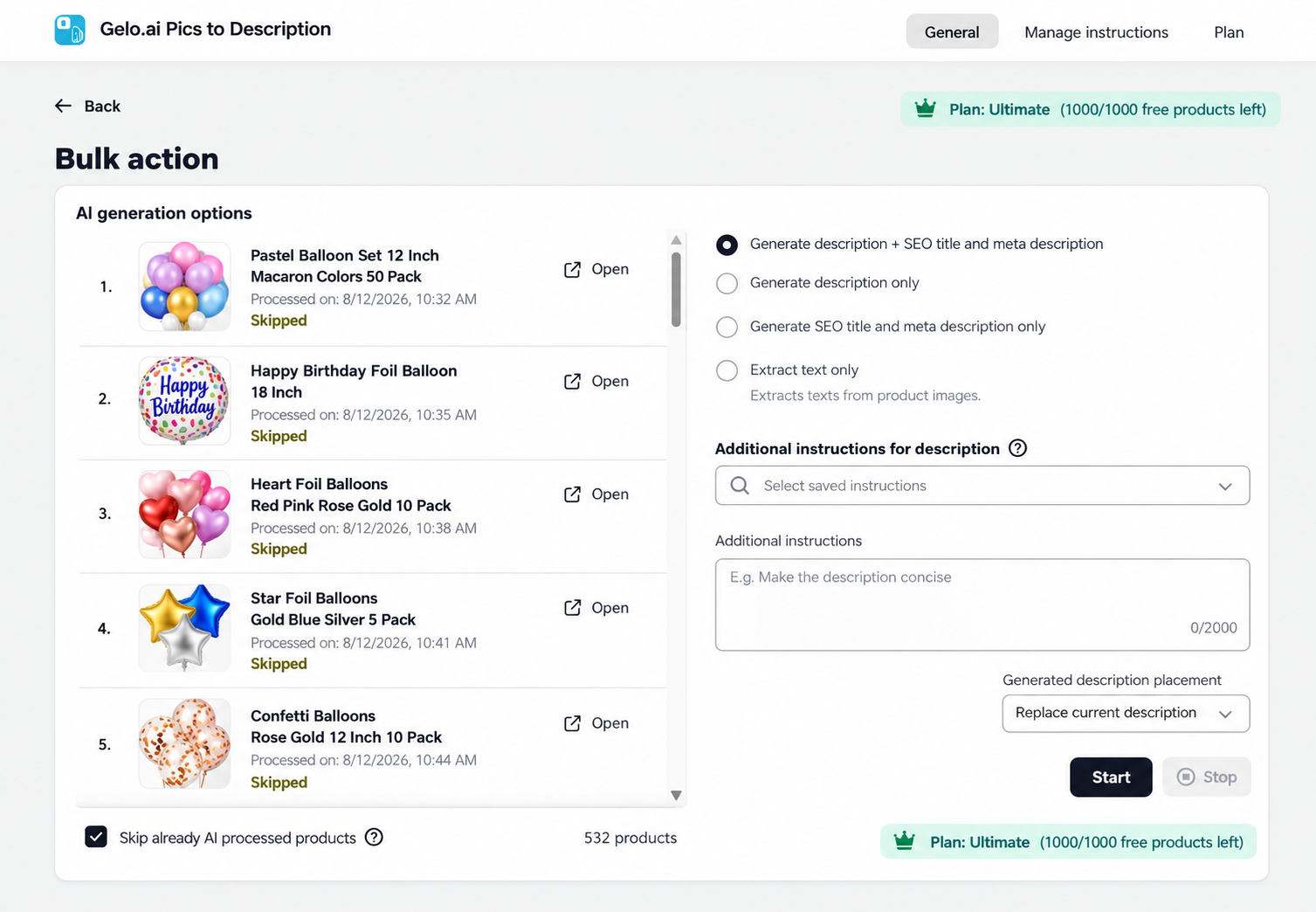
Create or rewrite product descriptions, SEO meta titles and meta descriptions from your product images and existing content — individually or in bulk.
Use Custom Instructions to keep generated content aligned with your brand voice, tone, formatting and SEO guidance.
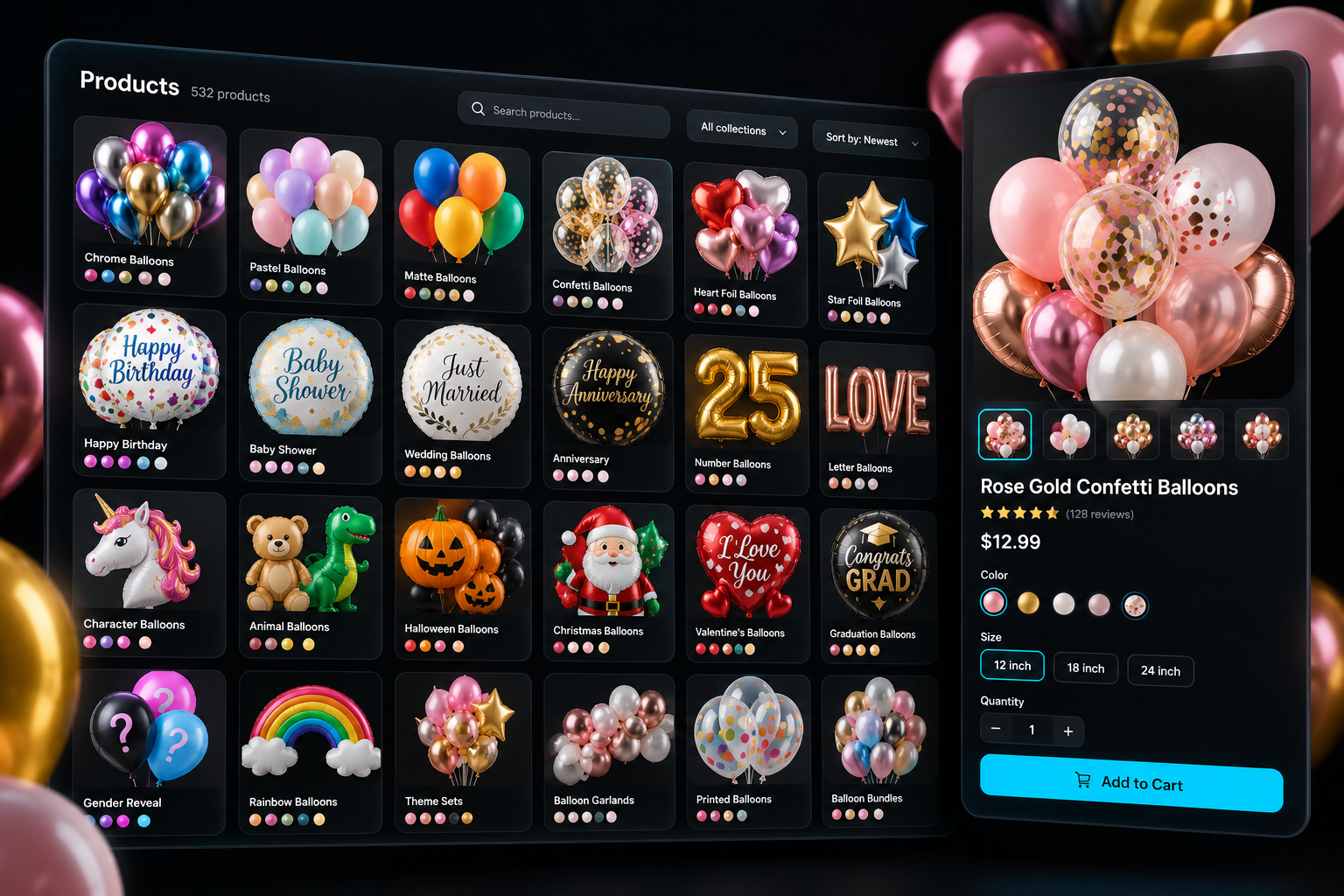
Create or rewrite product content in four straightforward steps.
Choose one product or multiple products from your Shopify catalog.
Choose or create Custom Instructions for tone, brand voice, formatting and SEO guidance.
Create or rewrite product descriptions, SEO meta titles and meta descriptions.
Review the generated content before applying your product updates.
A strong fit for stores with large catalogs, frequent product additions, many variations, or important information visible in product images.
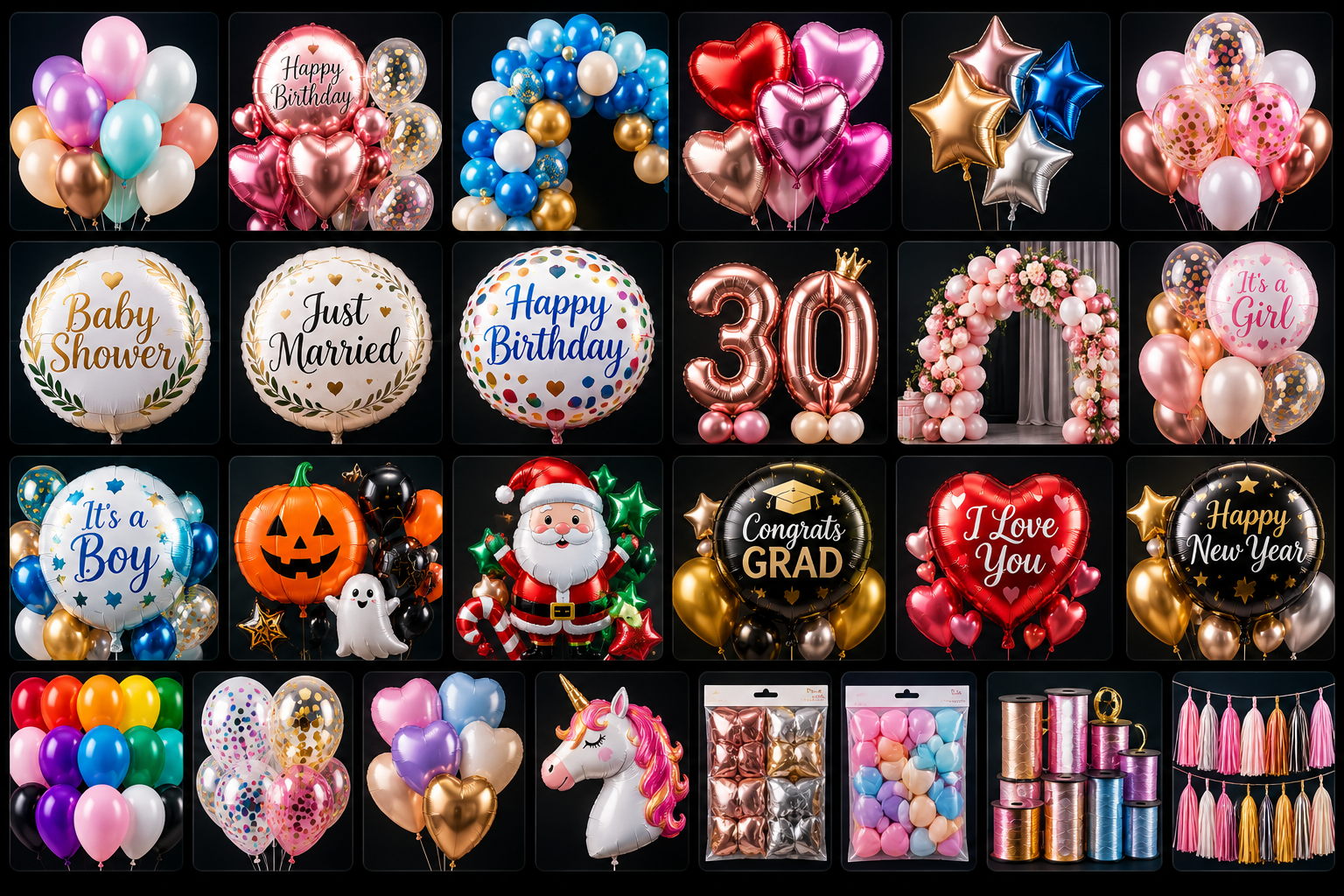
Useful for catalogs with many colors, themes, printed designs, occasions and product variations.

Use artwork, typography, designs and visible image details as part of the product-content workflow.

Useful for unique inventory where individual products may require different descriptive details.
Real feedback from merchants using Pics to Description in their Shopify stores.
“”SKIP” features is absolutely amazing. You will not waste your credits on duplicate processed product. Working great specially the bulk process!”
“The app can read the image accurately. Even on different language and you do not understand what’s on the label the app automatically read it in just a few seconds.”
“This is an excellent app for my type of Shopify store. You will need to take the time to set up and test how you want the AI to write the descriptions.”
Create new product content, rewrite existing content, update SEO fields and process products individually or in bulk.
Create or Rewrite · Single or Bulk · Review Before Applying