

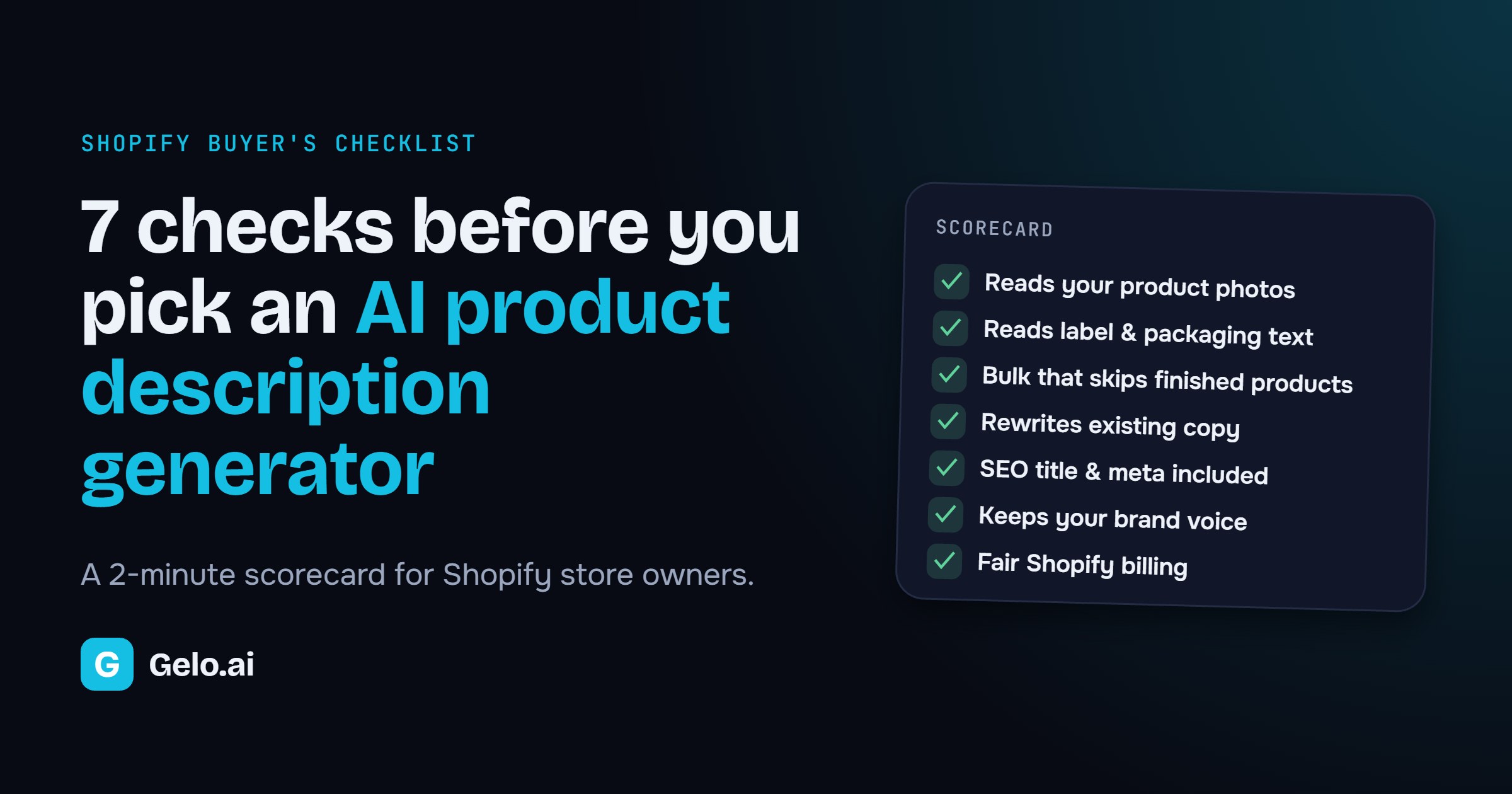
The Shopify App Store has dozens of AI product description apps. Almost all of them write a nice sentence. The real differences show up on product number 47, when the photo is great, the title says “Item 0423” and the label is in German.
Here is a 2-minute scorecard you can use on any AI product description generator before you install it. We built Pics to Description, so we’ve added how it scores too. Test the others the same way.
How to test each check in a few minutes
1. Does it read the photo?
Quick test: pick a product with a vague title, like “Blue item 12”. If the description still gets the material, color and style right, the app is reading the image. If it invents details, it isn’t.
2. Does it read the label?
Quick test: use a product photo with text on the packaging, ideally in another language. Good AI picks up the volume, ingredients or care instructions without you typing them.
3. Can it bulk update product descriptions safely?
Bulk is where you save real hours. Run it on one collection, then run it again. A good app skips the products it already finished instead of using your credits twice. See how bulk generation works.
4. Can it rewrite product descriptions you already have?
Most stores don’t start from zero. They have thin supplier text. Check that the app can rewrite it, and that you choose whether to replace it, add before it or add after it. Rewrite mode explained.
5. Does it write the SEO title and meta description too?
A great description that nobody finds is wasted. Make sure each run also fills in the SEO title and meta description that Google shows in search results.
6. Does it sound like you on product 200?
Save your tone, words to avoid and format once, then reuse them. Retyping a prompt for every product is how catalogs end up inconsistent. Why custom instructions matter.
7. Is the pricing clear?
Look for a free plan you can test on real products, a clear price per product, and billing through Shopify so there’s no extra account. Compare Pics to Description plans.
Your 10-minute trial plan
- Install the app on its free plan.
- Pick 5 tricky products: one with a vague title, one with label text, one with weak supplier copy, one in your second language and one bestseller.
- Run them in bulk, then run the same set again.
- Score the results with the 7 checks above. Keep the app that gets 7 out of 7.
Try it on your own products
Run the scorecard on Pics to Description: 10 products a month free.
BFCM 2026: enter code BFCM100 inside the app by December 6 for 2× credits on any plan. See the offer
Install free on Shopify →Quick answers
Is Shopify’s built-in AI enough?
Shopify’s built-in writer is free and handy for a single product from details you type in. If you want descriptions written from your photos, bulk runs across collections and saved brand rules, a dedicated app does more.
Will AI product descriptions hurt my SEO?
Not if they’re accurate and unique. Copying the same supplier text as hundreds of other stores is the bigger risk. Always review the output before you publish. Need ideas? See 8 before-and-after product description examples.
Does it work in my store’s language?
Pics to Description writes in your store’s language, and on Premium and Ultimate it follows your store’s language automatically. Language details.

Leave a Reply