

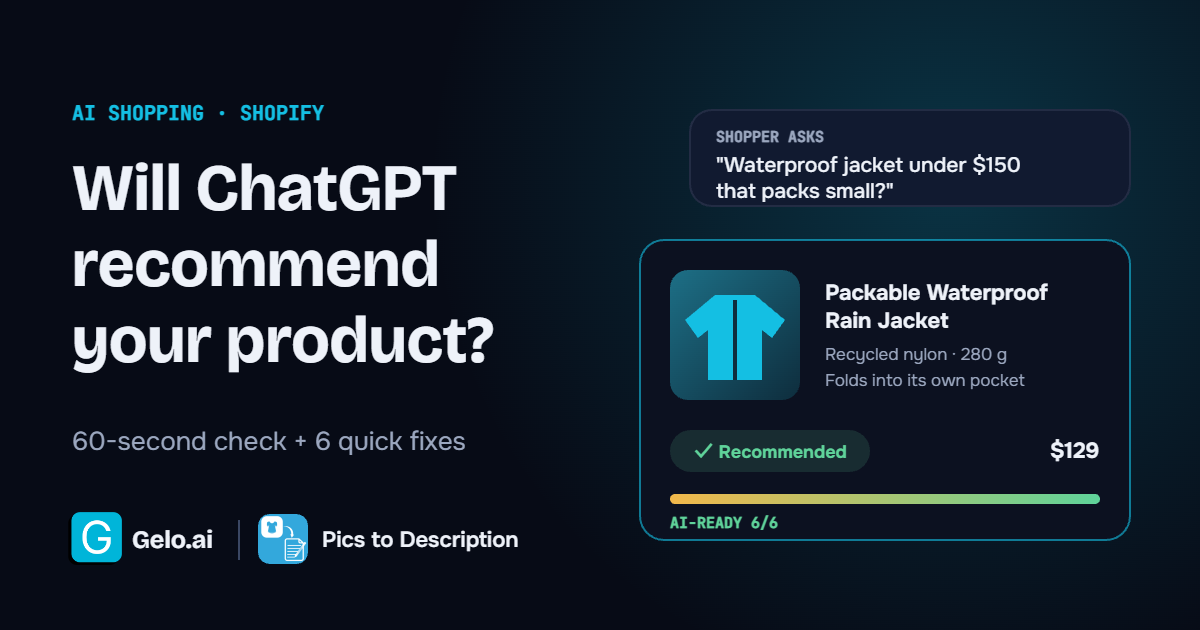
Shoppers no longer just type “rain jacket” into Google. They ask ChatGPT for “a waterproof jacket under $150 that packs into its own pocket” and get product cards back. That’s ChatGPT Shopping, and Google AI Mode works in a similar way. Your Shopify products can show up there. Whether they do depends mostly on one thing: how well your product page answers that question.
How AI assistants pick a product
Through Shopify Catalog, your products already reach ChatGPT, Google AI Mode and Gemini, Microsoft Copilot and Meta AI. You don’t need a separate feed. When a shopper asks a question, the assistant reads your title, description, price, availability, variants and reviews. It then recommends the products that clearly answer that question.
Being in the catalog isn’t enough by itself. Shopify’s own guidance is to keep product information “clear, complete, and up to date.” A product called “Aurora” with two lines of marketing text gives the AI nothing to match. So it shows a competitor instead.
Is your product AI-ready? Take the 60-second check
Open one of your best-selling products and tick what’s true:
Same product, two descriptions
Here's an example mug. Switch between the two versions and see which shopper questions each one answers.
Shopper questions answered
- How big is it?
- What's it made of?
- Dishwasher safe?
- Who is it for?
- Why this one?
The "after" version isn't longer for the sake of it. Every sentence answers something a shopper might ask an AI assistant: "a stoneware mug that's dishwasher safe", "a 12 oz mug gift for a tea lover".
6 quick fixes, in order
- Rename vague titles. Product type plus one key detail (material, size, use, or who it's for).
- Lead with facts, then feeling. Put materials, measurements and care first, then the story.
- Write in the shopper's words. Read your reviews and customer emails, and use the phrases people actually say.
- Replace supplier text. If 50 stores use the same paragraph, nothing makes yours the one to recommend.
- Fill in the hidden fields. SEO title, meta description and image alt text are often empty, and they take seconds to fix.
- Check your AI channels. In Shopify admin, open Settings → Sales channels → Agentic Storefronts to see where your products are listed and whether shoppers can check out inside an AI app.
Doing this for a whole catalog
Fixing one product takes a few minutes. Fixing 300 takes weeks. That's where Pics to Description helps. It looks at your product photos, sees the material, colour, shape and any text on the packaging, and writes descriptions, titles and meta descriptions in your store's language. You can do one product or a whole collection in bulk, and you review everything before it goes live.
Comparing tools? Read our 7 checks before you install an AI description app and Pics to Description vs Shopify's built-in AI.
Free to try
Make your products easy for AI to recommend, starting with 10 free products a month.
BFCM 2026: enter BFCM100 inside the app by December 6 for 2× credits on any plan. See the offer
Install free on Shopify →Quick answers
Do I need to set anything up for ChatGPT?
Usually not. Eligible products are listed in Shopify Catalog by default, and updates you make in Shopify admin flow through automatically. Check Agentic Storefronts in your admin to confirm which AI channels are on.
Will AI-written descriptions hurt my Google ranking?
Google judges whether content is helpful, not who or what wrote it (Google Search Central). The risk is generic copy that looks like every other store. Writing from your own product photos keeps each description specific.
How long should a product description be?
Long enough to answer the questions in the checklist above. For most products that's a short paragraph plus a few key facts. Clear beats long.
Can I stop AI apps from checking out my products?
Yes. Shopify lets you turn in-app checkout on or off per AI channel in Agentic Storefronts, so shoppers can be sent to your own checkout instead.

Leave a Reply